Handlettered Script Bundle: A Designer’s Review for Campaign-Ready Typography
Designing a Product Launch? Start with the Right Typeface
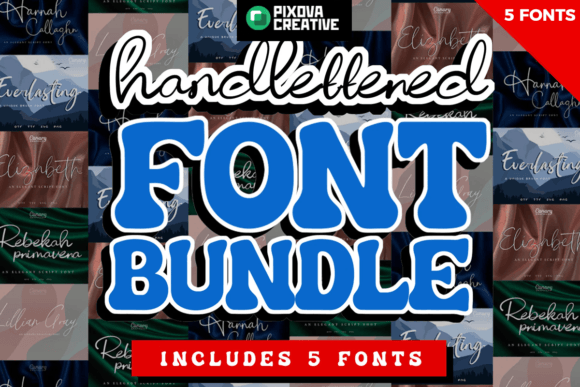
I was prepping a product launch for a wellness brand’s new line of organic teas when I decided to test the Handlettered Script Bundle across the core visuals. The goal was to create a warm, inviting, and slightly whimsical tone that matched the brand’s personality. With five unique script fonts in the bundle, I had plenty of options to explore visual variety while maintaining a cohesive typographic identity.
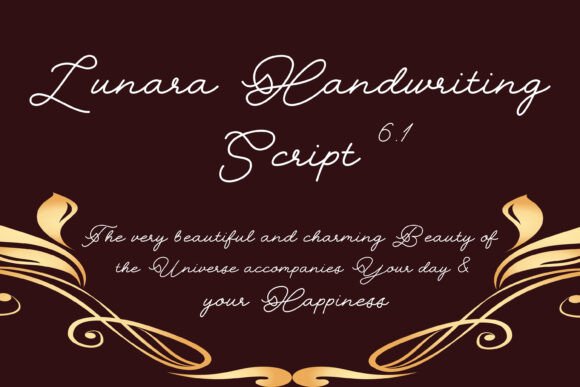
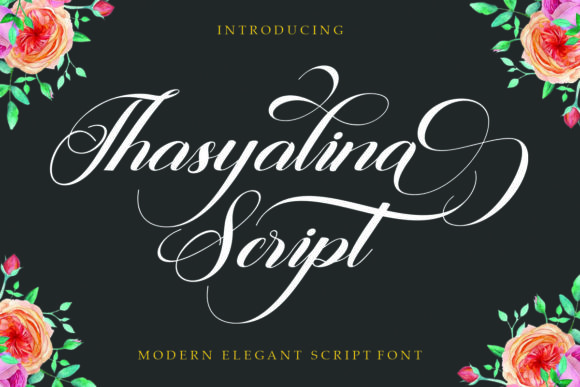
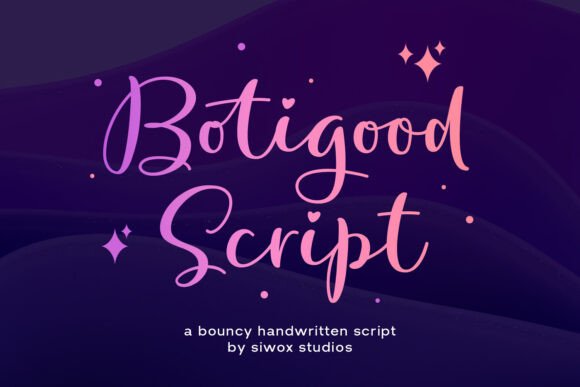
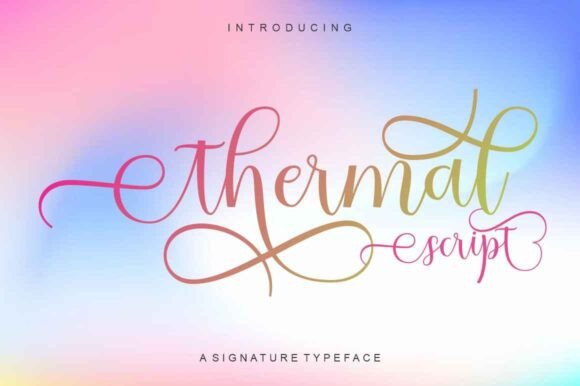
Each font in the Handlettered Script Bundle has its own character—some more delicate and flowing, others slightly bolder with a hand-drawn edge. This range gave me flexibility when designing assets for Instagram stories, email banners, and YouTube thumbnails. Whether I needed a font for a bold quote overlay or a soft tagline on a Pinterest pin, the bundle delivered a consistent yet expressive style.
Perfect for Social Media and Digital Ads
The real test came when I started building out the Instagram carousel and Reels covers. These formats demand immediate attention and visual clarity, especially on mobile. I used one of the more legible styles from the bundle for headlines and paired it with a clean sans serif for supporting text. The result? A strong visual hierarchy that guided the viewer’s eye without overwhelming the message.
For a YouTube thumbnail, I overlaid a short tagline on a lifestyle image. The script’s natural texture and slight bounce gave the text a handcrafted feel, which helped the thumbnail stand out in a feed full of generic sans serif fonts. It worked especially well for seasonal content like a “Spring Into Wellness” campaign, where the font’s organic flow reinforced the theme.
What Works—and What Doesn’t—on Mobile Screens
One thing I learned quickly: the more decorative fonts in the Handlettered Script Bundle are best used at medium to large sizes. On small mobile previews or dense layouts, some of the flourishes can blur into the background or become hard to read. I found that using these fonts for short, impactful text—like “Limited Time Offer” on a digital ad or “New Arrival” on an online shop banner—worked best.
For dark backgrounds, I made sure to use a slightly thicker variant from the bundle to maintain contrast and readability. On light backgrounds, the thinner styles shined, especially when paired with soft pastel tones. The bundle’s natural texture also made it a strong choice for overlay text on lifestyle images, where a clean font might feel too clinical.
Font Pairing Tips for Visual Balance
One of the biggest strengths of the Handlettered Script Bundle is how well it pairs with other typefaces. I used a minimalist sans serif like Montserrat or Lato for subheadings and body copy, which created a nice contrast without clashing. For more editorial-style graphics, I tried a serif companion font, which added a touch of sophistication to quote cards and blog post headers.
If you’re designing a brand template pack or a content series, this bundle gives you enough variation to create distinct yet connected visuals. For example, you can use one script for the series title and another for call-to-action buttons. Just make sure to stick with a consistent color palette and spacing to avoid visual clutter.
Practical Notes Before You Download
Before using the Handlettered Script Bundle in client work or commercial projects, I always double-check licensing. The good news: this bundle includes commercial use rights, which makes it safe for ads, templates, and branded content. It also comes with multiple file formats (OTF, TTF), ligatures, and alternates, which are great for adding subtle variation to headlines and logos.
Multilingual support is decent but not extensive, so if your campaign targets non-English audiences, be sure to test character sets before finalizing visuals. I also recommend checking for bold or italic weights—some script fonts in the bundle only include a single weight, which can limit flexibility in layered designs.
When to Use Handlettered Script Bundle (and When Not To)
This bundle shines in short-form, high-impact applications like:
- Social media story headers
- Email newsletter banners
- YouTube thumbnails and Reels covers
- Pinterest quote pins
- Branded template packs for Canva or Figma
Where it doesn’t perform as well: long-form text, formal brand communication, or small UI elements. If you’re designing a landing page with dense copy or a corporate report, stick with a cleaner, more legible typeface. Save the Handlettered Script Bundle for moments where personality and visual appeal matter most.